2201 Dupont Dr., Irvine, CA 92612
© 2020-2026 Glidewell. All rights reserved.
800-854-7256 USA
Why interoperability should be the deciding factor when choosing digital tools.

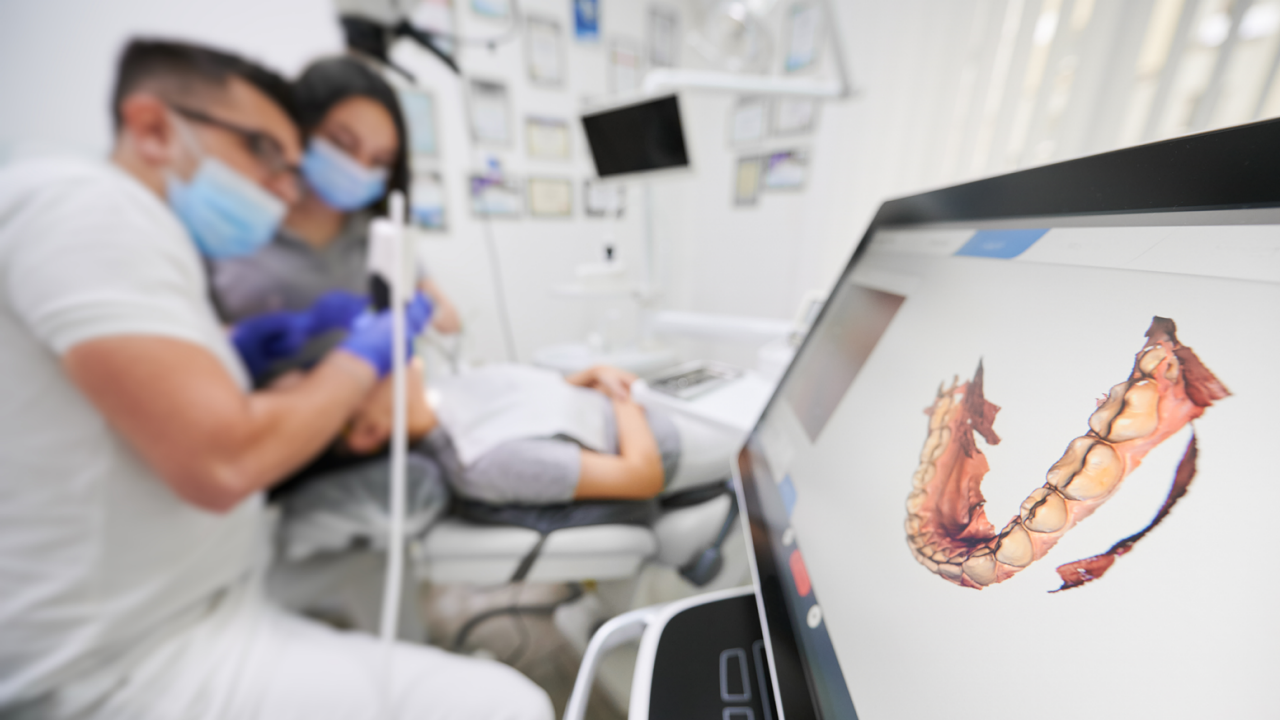
You invest in an intraoral scanner, a CAD/CAM suite, or new design software. Then, a few months in, the fine print catches up with you. You're locked into a specific lab network, proprietary file formats, "approved" workflows, or mandatory upgrades with escalating fees.
The digital workflow you paid for starts feeling less like an upgrade and more like a constraint.
There's a better way to think about digital purchases: the most important factor isn't just the hardware. It's the control, interoperability, and long-term flexibility that come with it. At Glidewell, the digital approach is built around an open platform — more like an operating system for your practice — designed to deliver speed and, most importantly, freedom.
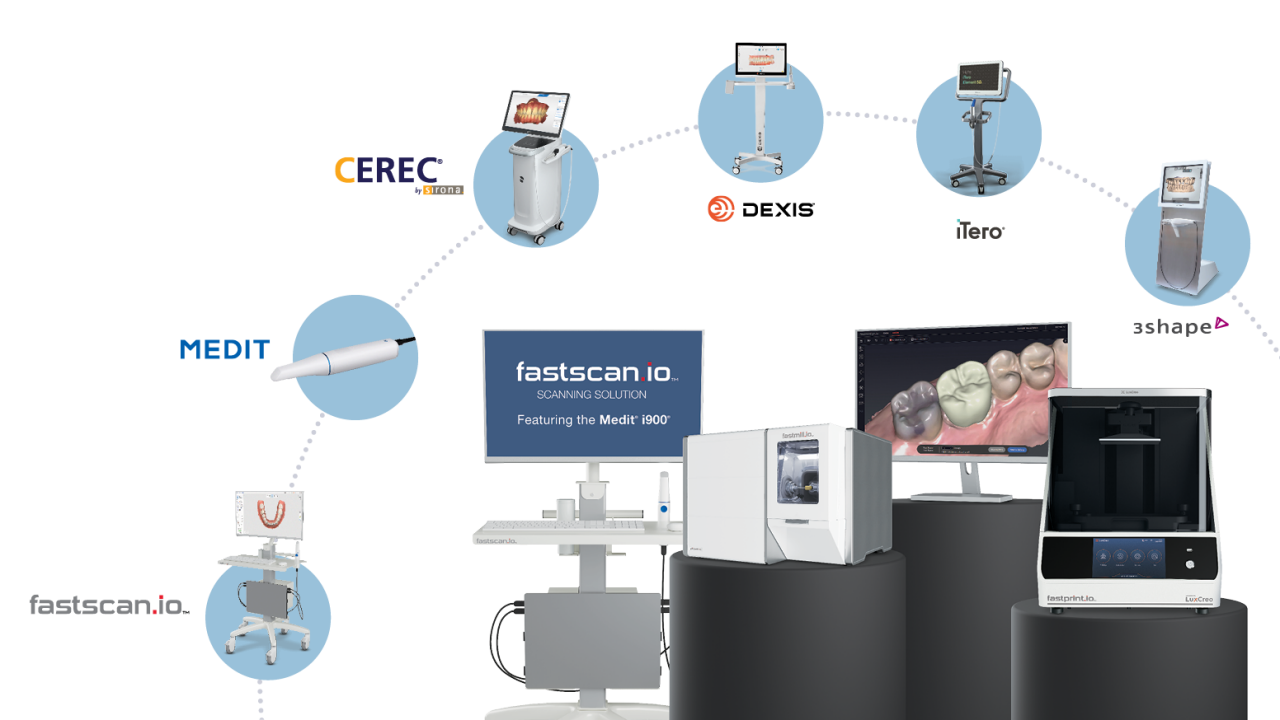
An open system is a digital workflow designed to connect across different brands and tools, so you can swap components — scanner, design software, fabrication method, lab partner — without starting over from scratch.
This is distinct from "open source." In dentistry, open systems are primarily about interoperability and portability.
A quick comparison: In a closed system, you scan, design, and fabricate entirely within one vendor's ecosystem. In an open system, you scan with the tool you prefer, export your files freely, and choose your lab or in-office fabrication based on what makes sense for the case.
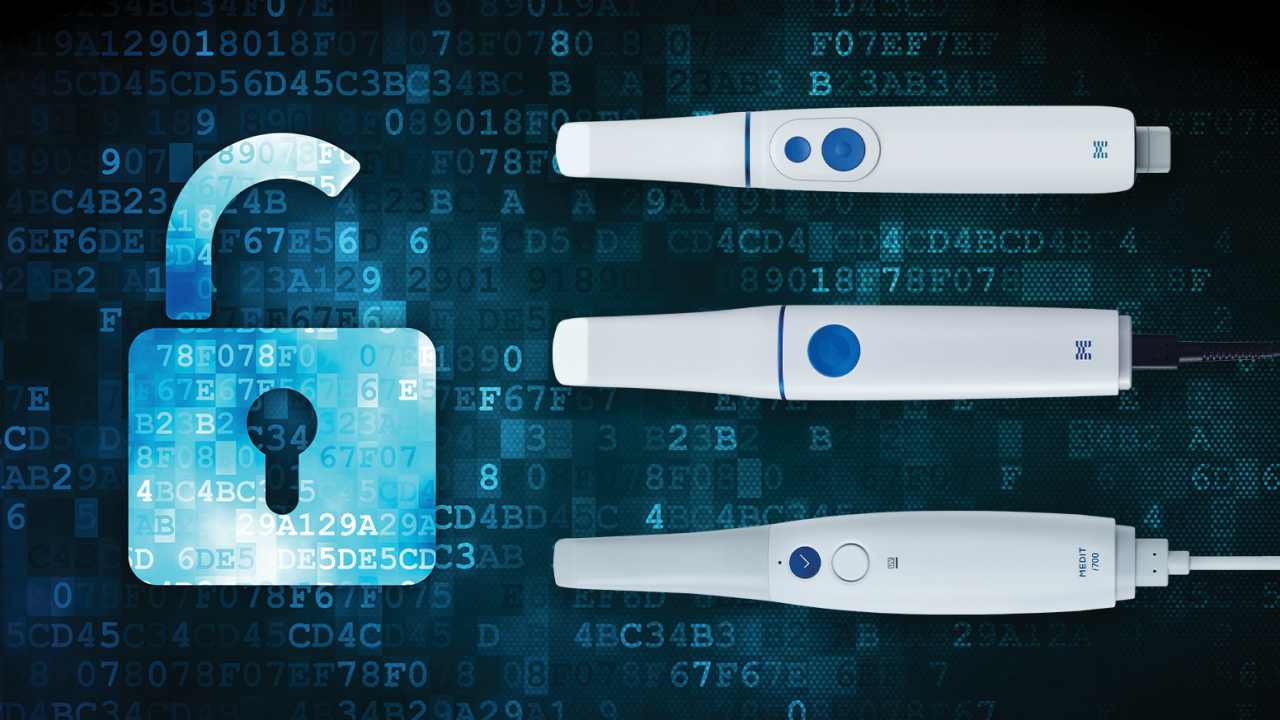
That openness depends on whether your tools share common file formats — STL for restorative scan data, DICOM for CBCT imaging, and PLY/OBJ when you need to preserve more visual detail. But it's not just about file types. It also requires real compatibility across devices and integration options that let your technology stack work together rather than around each other.
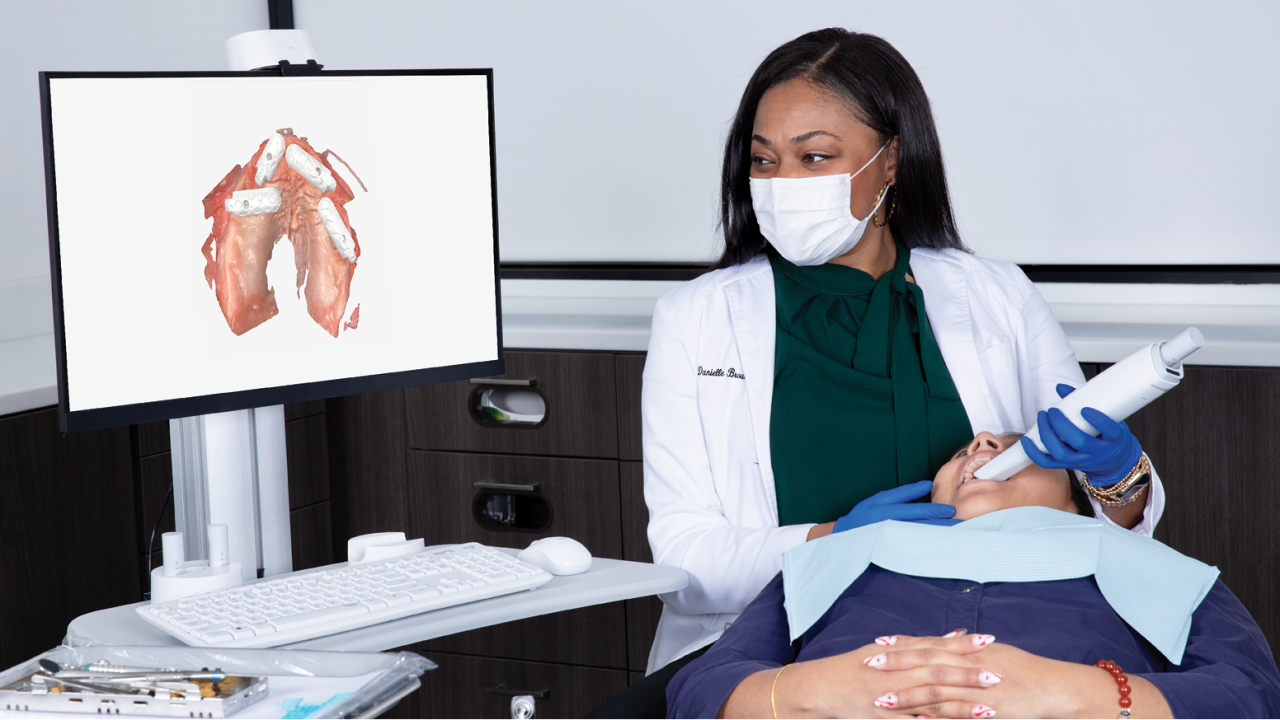
Dentistry has become a technology stack: scanning, design, imaging, fabrication, practice management, and increasingly AI. When those pieces don't integrate, practices and labs end up relying on workarounds — extra software, manual conversions, repeated exports — that add cost and friction without adding value. Interoperability isn't a feature anymore. It's a functional requirement.
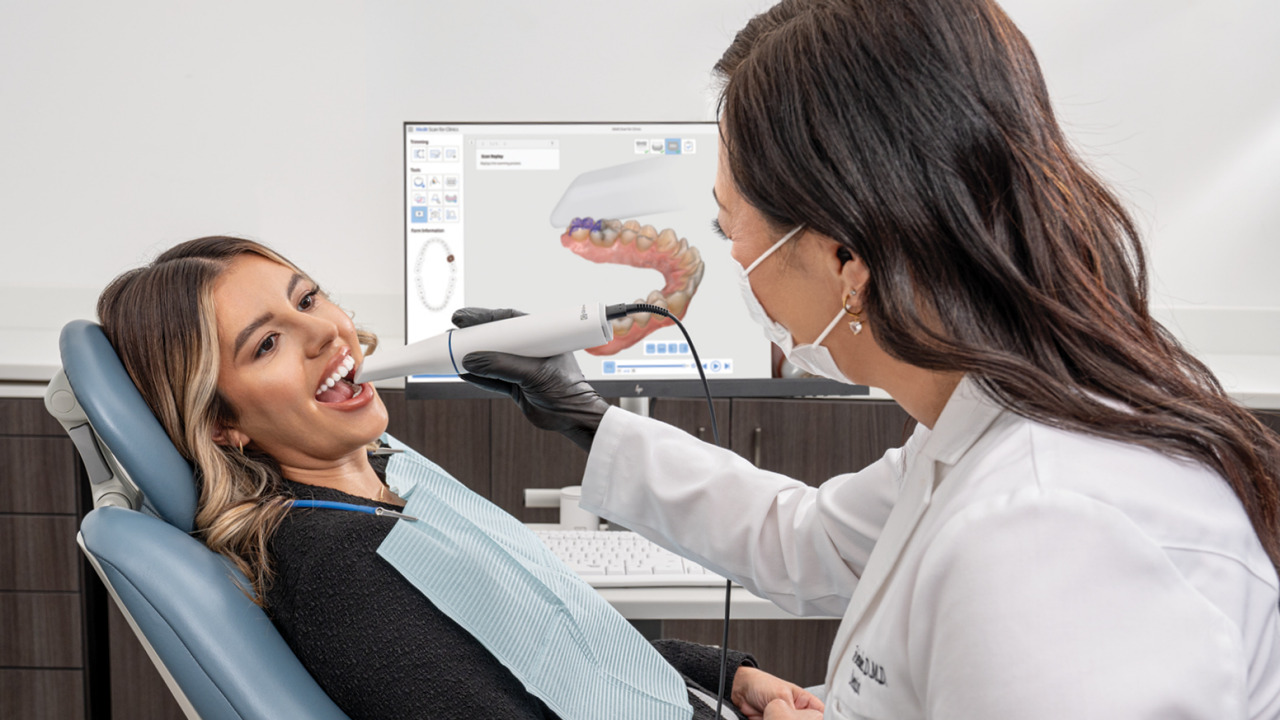
Freedom of Choice. An open system lets you choose what works best for your practice — scanner brand, design software, and whether a given case goes chairside or to a lab. Glidewell's fastscan.io™ Scanning Solution, for example, is built around this kind of flexibility, including the ability to route cases to the lab of your choice.
Easier Upgrades. When your workflow is modular, you can upgrade a printer or swap out software without replacing everything around it. That reduces the cost and hesitation that often come with technology purchases.
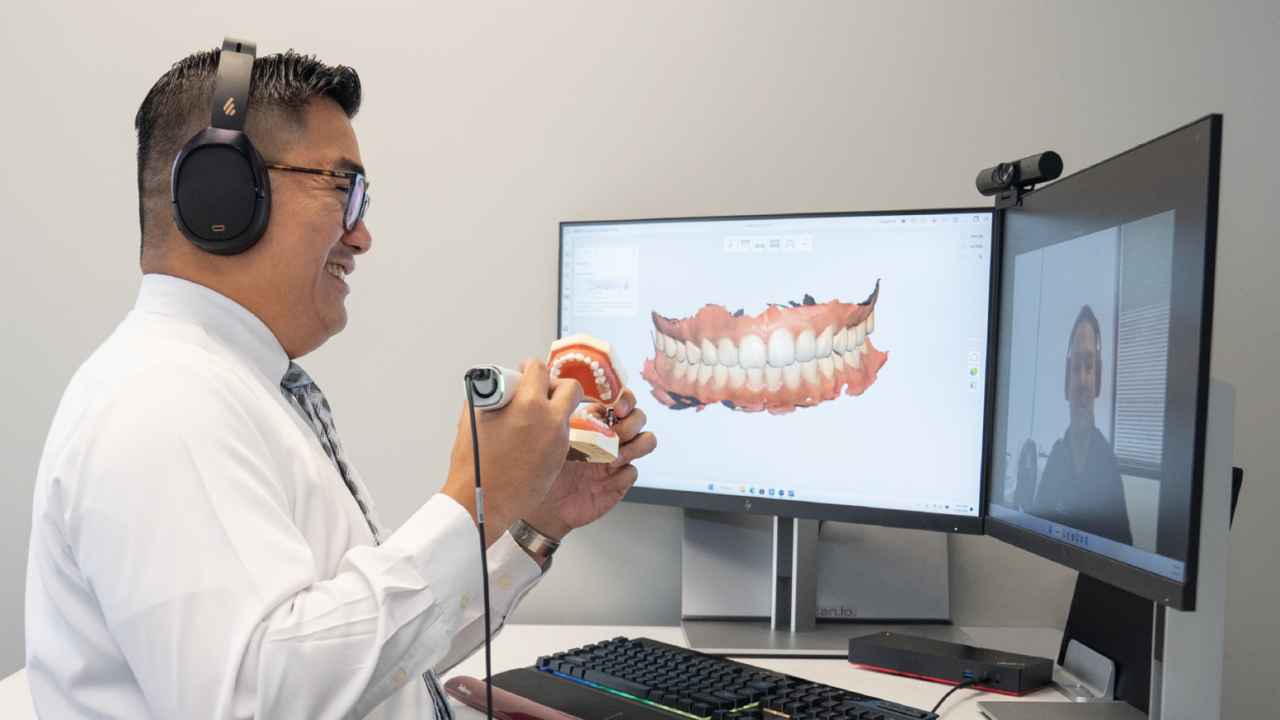
Better Lab Collaboration. Digital impressions improve communication and precision, especially in complex cases. When labs can reliably open your files, you get fewer re-export requests, fewer file conversions, faster turnarounds, and, if necessary, smoother handling of remakes.
A Better Patient Experience. Intraoral scanning eliminates traditional impression discomfort, and digital workflows make it easier for patients to see, understand and engage with their treatment plans.
Cost Transparency. Closed systems often come with layered fees — subscriptions, export charges, mandatory service contracts. Glidewell's fastscan.io Scanner is designed around predictable ownership costs, with no monthly subscription or licensing fees tied to standard use.
Operational Resilience. When a vendor changes its policies or a tool goes offline, an open workflow gives you the flexibility to reroute. Avoiding single points of failure is a practical advantage, not just a theoretical one.
A simple framework: Collect → Confirm → Create.
Capture the digital impression with your scanner of choice. Review and approve the design using tools matched to your team's skill level — AI-assisted options can reduce friction here. Then fabricate chairside or send to a lab based on the case type, your schedule, and your profitability goals.
The key is that each step has options. Your workflow adapts to the patient and the day, not to a vendor contract.
Open systems aren't without complexity. Import/export errors can occur across software platforms. STL files may not preserve color or texture the way richer formats do. And when a workflow is assembled from multiple vendors, support can get fragmented.
The way to manage that complexity is straightforward: standardize your export formats, naming conventions, and capture protocols. Test your workflow end-to-end before committing to it. And choose vendors known for training and integration support, not just hardware specs.
Before committing to a new digital tool, ask these questions directly:
You don't need a fully digitized practice to benefit from an open system. If you already scan, confirm that you can export and route cases flexibly. If you're newer to digital workflows, start with scan and lab submission, then add chairside fabrication as it makes sense. If you're running a hybrid model, identify which cases are best suited to each path based on your schedule and margins.
Open systems protect your investment, reduce dependency on any single vendor, and give your practice room to evolve as the technology does. The best workflow isn't the one you're locked into. It's the one you can change.
Send blog-related questions and suggestions to hello@glidewell.com.
2201 Dupont Dr., Irvine, CA 92612
© 2020-2026 Glidewell. All rights reserved.